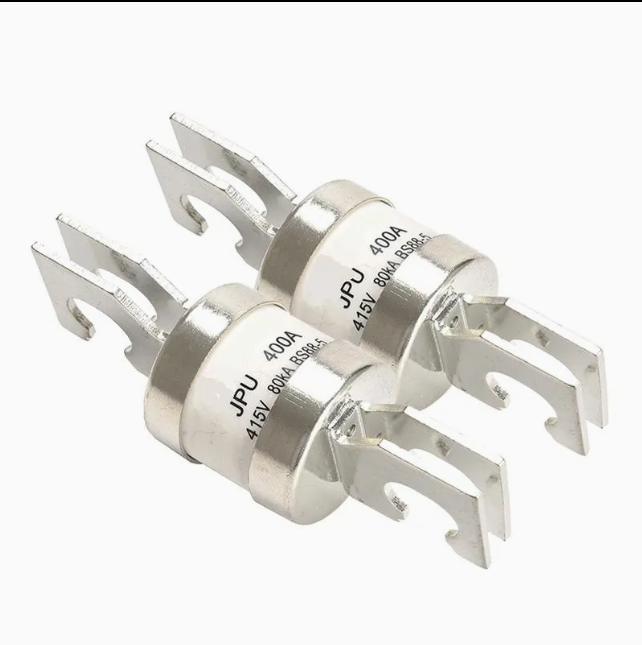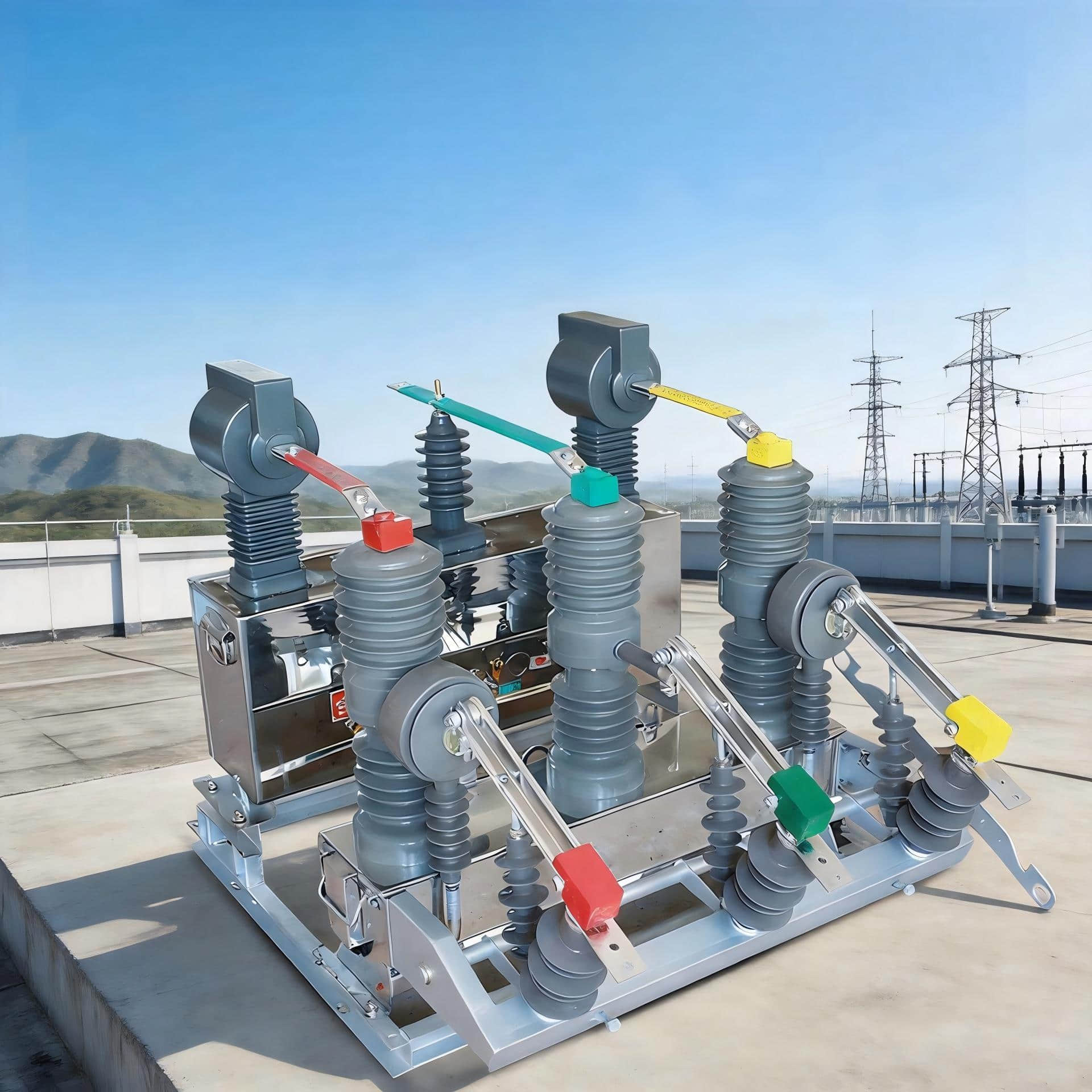

You need a clear switchgear diagram before you request or issue a power distribution quote. Electrical switchgear controls, protects, and isolates equipment. This includes circuit breakers, busbars, and other components from companies like Schneider Electric and Siemens.
A switchgear diagram can take many forms, including single-line diagrams and layout drawings. They show how electrical systems are connected and what the equipment looks like. This helps ensure your power distribution quote is accurate.
Without a detailed diagram, estimators have to guess about equipment and costs. This guessing can lead to higher costs and delays. A correct diagram provides clear, reliable information for planning and budgeting.
This section is aimed at electrical engineers and project managers in the United States. By demanding a detailed switchgear diagram, you get a more accurate quote, reducing project risks and improving planning.
⚠️ Stop Guessing on Quotes: Get Engineering Assistance Now!
You are here because you need an accurate quote and expert help translating your switchgear diagram into a reliable Bill of Materials (BOM).
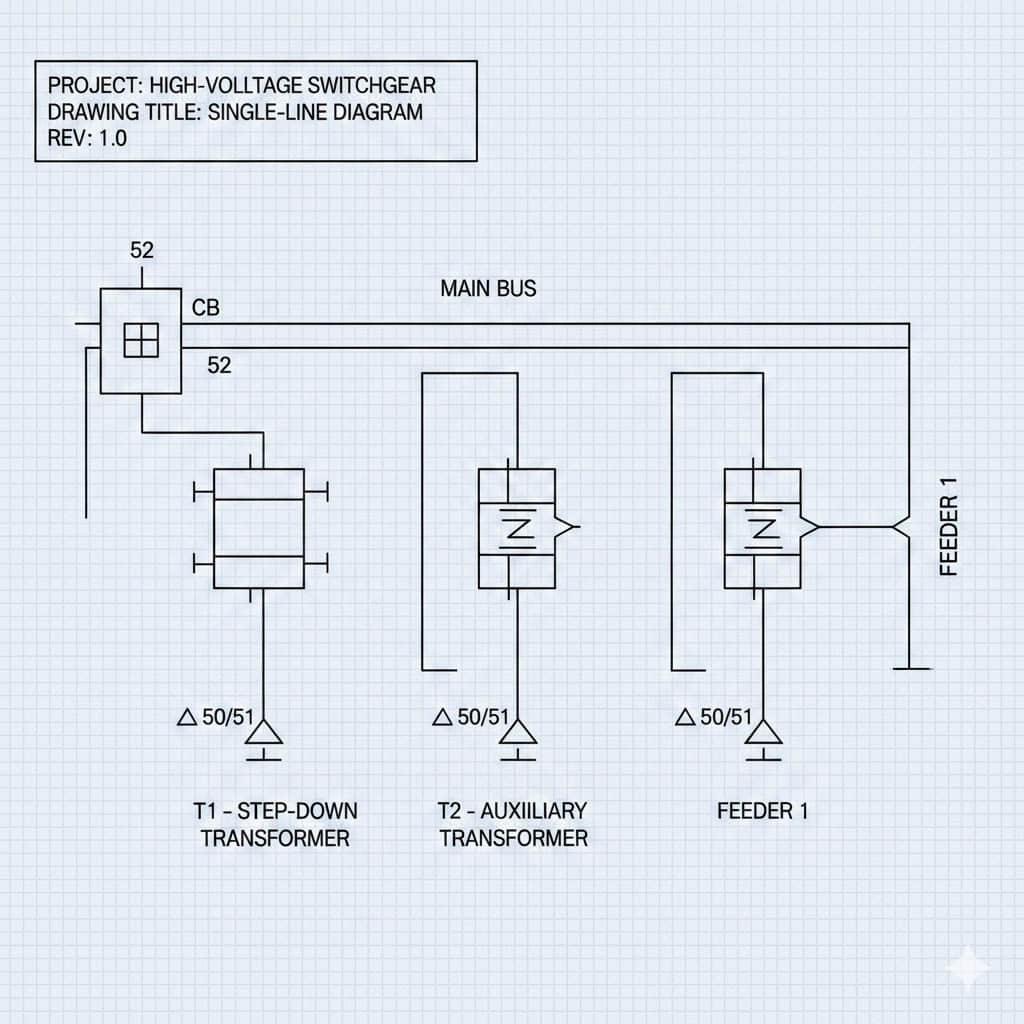
Don't let complicated part numbers (Schneider Electric, Siemens, etc.) or unknown lead times delay your project.
Our engineering specialists use your single-line diagram to verify clearances, check component ratings (breakers, relays), and generate a precise, project-ready BOM.
Request immediate support today:
 : Get FAST Quote and Project BOM Assistance
(This service is available to electrical engineers and project managers in the United States, reducing change orders and risk.)
🔑 Key Takeaways
A switchgear diagram is essential for a dependable electrical estimating process.
Diagrams list components and ratings from vendors such as Schneider Electric and Siemens.
Single-line, schematic, and layout drawings provide measurable inputs for a power distribution quote.
Relying on assumptions increases the likelihood of expensive change orders.
Insisting on diagrams improves material takeoffs, bid comparisons, and project scheduling.
🔌 What an Electrical Switchgear Diagram Shows and Why It Matters
Clear diagrams are key to turning drawings into accurate bids. They list switchgear components and show how they connect. This clarity reduces confusion in your estimates and keeps costs fair.
Overview of Components and Symbols in a Switchgear Diagram
A typical diagram highlights the main breaker, feeder breakers, and busbars. It also shows disconnects, transformers, and protective relays from brands like Schweitzer Engineering Laboratories (SEL), Siemens, and GE. Meters from Schneider Electric and ABB are noted near grounding points and MCC sections.
Electrical symbols follow IEEE and ANSI standards.
A legend or symbol key is included to ensure everyone understands the drawing. This prevents mistakes in interpreting device functions and ratings.
How Single-Line and Schematic Diagrams Differ
Single-line Diagram: Gives a quick overview of the system's layout and ratings. Useful for sizing and checking system coordination.
Schematic Diagram: Focuses on control wiring and interlocks. List terminal numbers and wire colors needed for installation. Used for planning control panels and installation tasks.
Takeaway: Choose the single-line diagram for electrical sizing and the schematic for control details. Both are essential for a complete, accurate quote.
Why Component-Level Detail Reduces Guesswork in Quotations
Knowing exact breaker types and sizes helps avoid vague estimates. This detail reduces the need for extra contingency items and improves lead-time estimates.
With specific part numbers and configurations, vendors can confirm availability and delivery times. This leads to more accurate labor estimates and fewer surprises during procurement and installation.
🎬 Recommended Video: Switchgear Fundamentals
For a deeper understanding of the components and function of the switchgear discussed in this article, watch this video:
📏 How Diagrams Improve Accuracy in Material Takeoffs
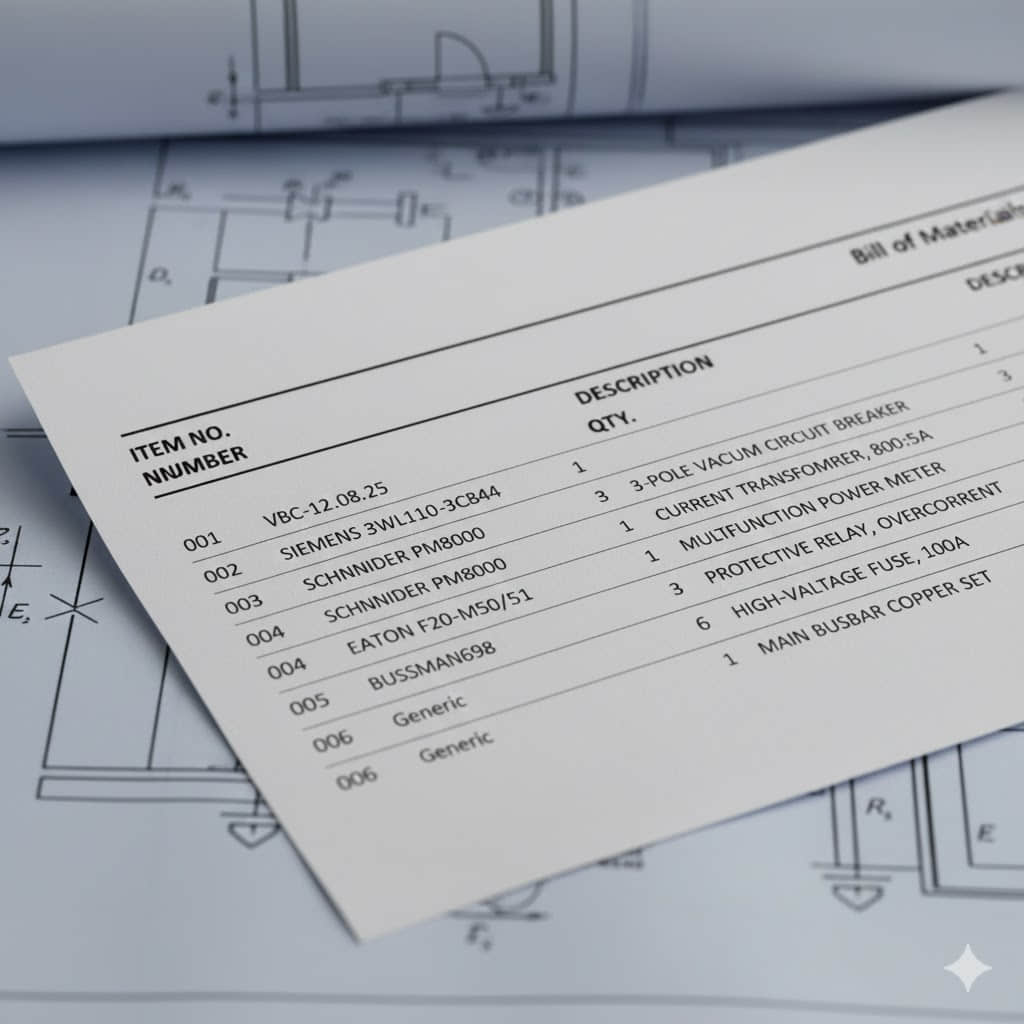
A clear switchgear diagram gives you a factual basis for every line item in a material takeoff. When you start from drawings, you can count devices instead of guessing. This tightens budgets and shortens lead-time risk.
Identifying Exact Quantities and Types
Use the diagram to enumerate:
Breaker quantity by frame size, trip setting, and accessory kits.
Buswork sizing: number of phases, conductor sizes, and whether copper or aluminum busbar is required.
Protective device list items become explicit when CT ratios, VT specs, and relay types are labeled on the plan. That clarity prevents later discovery of missing protection components.
Reducing Waste and Avoiding Underordering
Diagram-driven lists stop you from ordering generic or oversized parts that add cost.
Precise quantities help you order the correct lug kits, termination kits, conduit fittings, and runs.
Routing shown on diagrams produces accurate control wiring lengths, lowering scrap and avoiding emergency procurement.
Integrating Manufacturer Part Numbers and Ratings
Including exact manufacturer part numbers (e.g., Siemens 3WL, Schneider Electric Square D) removes ambiguity from bids, ensuring quotes reflect true cost and lead time.
| Item | Diagram Detail Captured | Benefit to Material Takeoff |
| Breakers | Frame size, trip curve, manufacturer part number | Accurate breaker quantity and correct pricing |
| Buswork | Phases, conductor size, material (Cu/Al), clearances | Precise buswork sizing and reduced fabrication errors |
| Protection | CT ratio, VT spec, relay type, and count | Complete protective device list for coordination studies |
| Accessories | Lug kits, termination kits, conduit lengths | Minimized waste and fewer field change orders |
💡 Electrical Switchgear in Defining System Ratings and Specifications
Looking at a switchgear diagram, you see important numbers. These numbers tell you the system voltage and current at each point. You learn about the nominal voltages, maximum continuous current, and the fault current.
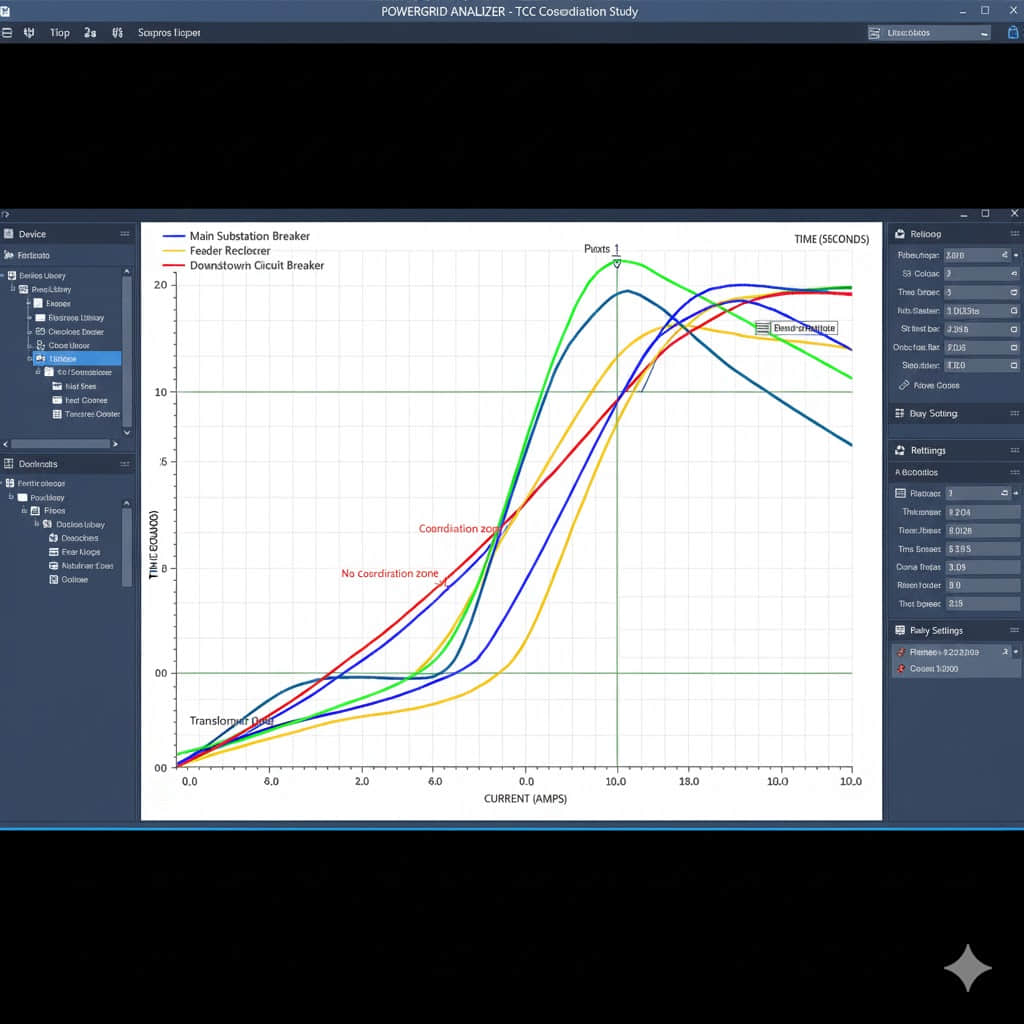
Standards like IEEE C37 and NFPA 70E guide testing and labeling.
A diagram with actual AIC or kA values makes checking easier, avoiding expensive replacements later.
Coordination and Sizing:
Protection coordination: The diagram shows relay types and settings, helping you plan with tools like ETAP.
Transformer sizing: Depends on the load mix and diversity shown. Choosing the wrong size causes voltage drop and overheating.
Cable sizing: Follows NEC ampacity rules. Diagrams showing conductor runs help with accurate sizing.
Enclosure selection: Diagrams showing internal components help you pick the correct NEMA type and clearances, preventing commissioning delays.
| Design Item | Diagram Detail Needed | Impact on Procurement |
| Short-circuit rating | Available fault current (AIC/kA) | Select breakers/fuses with correct interrupting capacity |
| System voltage | Nominal voltages and step-down/up points | Ensure transformer and switchgear compatibility |
| Protection coordination | Relay types, settings, and coordination zones | Determine the need for adjustable trip units |
| Transformer sizing | Load profiles, diversity, motor starting data | Correct kVA selection to avoid overloads |
🏗️ How Diagrams Help Assess Site and Installation Constraints
A clear switchgear diagram gives you a fast view of on-site limits.
Physical Fit: It shows the equipment footprint, required clearances, and how units will fit within your room or yard. This helps plan flooring, access routes, and building modifications.
Compliance: You use the drawing to confirm the NEC 110.26 working spaces and maintenance aisles.
Environment: The diagram helps you pick the right NEMA enclosure (e.g., for outdoor sites or food-processing plants).
Retrofit Planning: For retrofit switchgear projects, diagrams lay out demolition zones and sequencing to avoid downtime in critical facilities (like hospitals or data centers).
💰 Cost Drivers That Become Visible with a Switchgear Diagram
The diagram is a financial roadmap, quickly showing the main cost drivers:

High-Cost Items: Custom buswork, arc-resistant enclosures, large MCCs with integrated drives, and advanced relays.
Labor: The Diagram shows mounting orientation, cable routing, and dense control wiring, which directly increases commissioning time and labor budget.
Logistics: Mapping weights and dimensions flags the need for special rigging costs (cranes, forklifts) and specialized transport.
| Diagram Detail | Typical Impact | What to Verify |
| Complex bus routing | Higher custom buswork cost | Material size, bending radius, connection types |
| Arc-resistant zones | Increased arc-flash mitigation cost | Required protection schemes, incident energy targets |
| Large MCCs with drives | Elevated MCC pricing; longer assembly time | Frame size, drive integration, accessibility needs |
| Tight clearances | Added rigging costs and special transport charges | Door sizes, elevator capacity, crane requirements |
📉 How Diagrams Reduce Risk and Change Orders During Construction
Clear switchgear diagrams act as a reliable guide before work starts. This early detection reduces construction risks and lowers the cost of change orders.
Conflict Resolution: Helps identify clashes between different trades (e.g., conduit entry conflicts) before mobilization.
Permitting & Inspection: Detailed diagrams make the permitting process faster. Authorities can quickly verify equipment ratings and short-circuit data, reducing the need for revisions.
Lower Rework: Accurate diagrams lead to fewer issues at commissioning, reducing RFIs, overtime hours, and expedited shipping costs.
Using Diagrams to Compare Vendor Bids and Specifications
Providing a single, detailed switchgear diagram ensures all bidders price the same scope, enabling apples-to-apples comparisons.
Include a bill of materials, part numbers, and simple notes.
Ask bidders to show standards and documentation for code compliance.
Compare warranties and services side by side (e.g., from Schneider Electric and ABB).
🖥️ Digital Tools and BIM Integration for Better Quotations
Start by using model-based workflows in your estimating process.
BIM for switchgear gives you precise geometry and part numbers. Revit switchgear models from Siemens or Schneider make counts and spatial checks reliable.
Clash detection (Navisworks, BIM 360) spots routing conflicts early, ensuring site surprises fall sharply.
Load flow simulation (ETAP, EasyPower) refines sizing and protection selection, helping you avoid overspecifying gear.
| Capability | Typical Benefit | Example Tools |
| Automated quantity | Faster, more accurate material lists | Revit families, CAD takeoffs |
| Clash detection | Fewer on-site conflicts and change orders | Navisworks, BIM 360 |
| Load flow studies | Correct equipment sizing and protection | ETAP, EasyPower, SKM |
✅ Best Practices for Creating a Diagram That Yields Precise Quotes
1. Collaborate Early: Bring in power systems engineers, contractors, and manufacturers' application engineers for joint sessions.
2. Detail is Key: Embed detailed schedules, legends, and mounting notes directly on diagrams.
3 .Use Revision Control: Apply strict revision control blocks on every sheet and store files in a document management system (e.g., Procore or SharePoint).
4 . Communicate: Track changes with a log and communicate every revision to all bidders promptly.
❌ Common Mistakes That Lead to Inaccurate Quotations (Missing Diagrams)
Skipping a detailed switchgear diagram leads to significant problems:
Generic Assumptions: Undercounting breakers or missing harmonic mitigation.
Skipping Studies: Failing to perform a coordination study risks wrong device selection and costly rework.
Ignoring Site Realities: Missing accessibility issues or local codes leads to expensive rigging and safety overruns.
🚀 Conclusion
An accurate electrical switchgear diagram is the key to better bids and less risk. It provides clear counts of breakers and system ratings. This clarity aids in pricing and avoids costly changes.
Ready to move from diagram theory to an accurate, project-ready quote?

Your time is valuable. Don't waste weeks waiting for generic bids or dealing with inaccurate BOMs. Our team specializes in translating complex switchgear diagrams into precise material takeoffs, leveraging expertise in brands like Schneider Electric and Siemens.
[Giant, Final Button]: START YOUR FAST QUOTE PROCESS NOW
❓ Frequently Asked Questions (FAQ)
Why is an electrical switchgear diagram necessary for an accurate quotation?
An electrical switchgear diagram provides the clear, measurable inputs estimators need, showing details like circuit breakers and busbars. Without this detail, bidders make assumptions that increase cost risk and extend lead times.
How do diagrams improve accuracy in material takeoffs?
Diagrams allow you to enumerate exact quantities and types (e.g., breaker frame sizes, trip units) and include manufacturer part numbers—this ensures quotes reflect the true product cost and lead time, preventing over- or under-ordering.
How do diagrams define system ratings and protection requirements?
Diagrams specify nominal voltages, continuous currents, relay types, and settings needed for protection coordination. This prevents using undersized cables, insufficient interrupting capacity, and enclosure mismatches.
What cost drivers become visible when you have a switchgear diagram?
Diagrams highlight high-cost items such as custom buswork, arc-flash mitigation systems, and large MCCs with integrated drives. They also reveal labor complexity and logistics challenges (e.g., specialized rigging).
What digital tools improve quotation accuracy when combined with diagrams?
CAD and Revit families allow for exact count extraction. BIM platforms (Navisworks) enable clash detection. Simulation tools (ETAP, EasyPower) use diagram inputs for load flow/fault studies, directly influencing equipment sizing and pricing.